How it works
Taking the photo
The bottle gets saved the moment the shutter fires, before anything is sent anywhere. If the app crashes on you the photo is still sitting there waiting. You can skip the camera permission entirely and pick from your gallery instead, and you can photograph a bottle with no signal at all and still end up with a complete record. The identification just waits, and a background sweep picks it up when the phone comes back online.
One shutter press gets you one bottle and one confirm screen. There is no batch mode, so a shelf you already own takes a few evenings.
Reading the label
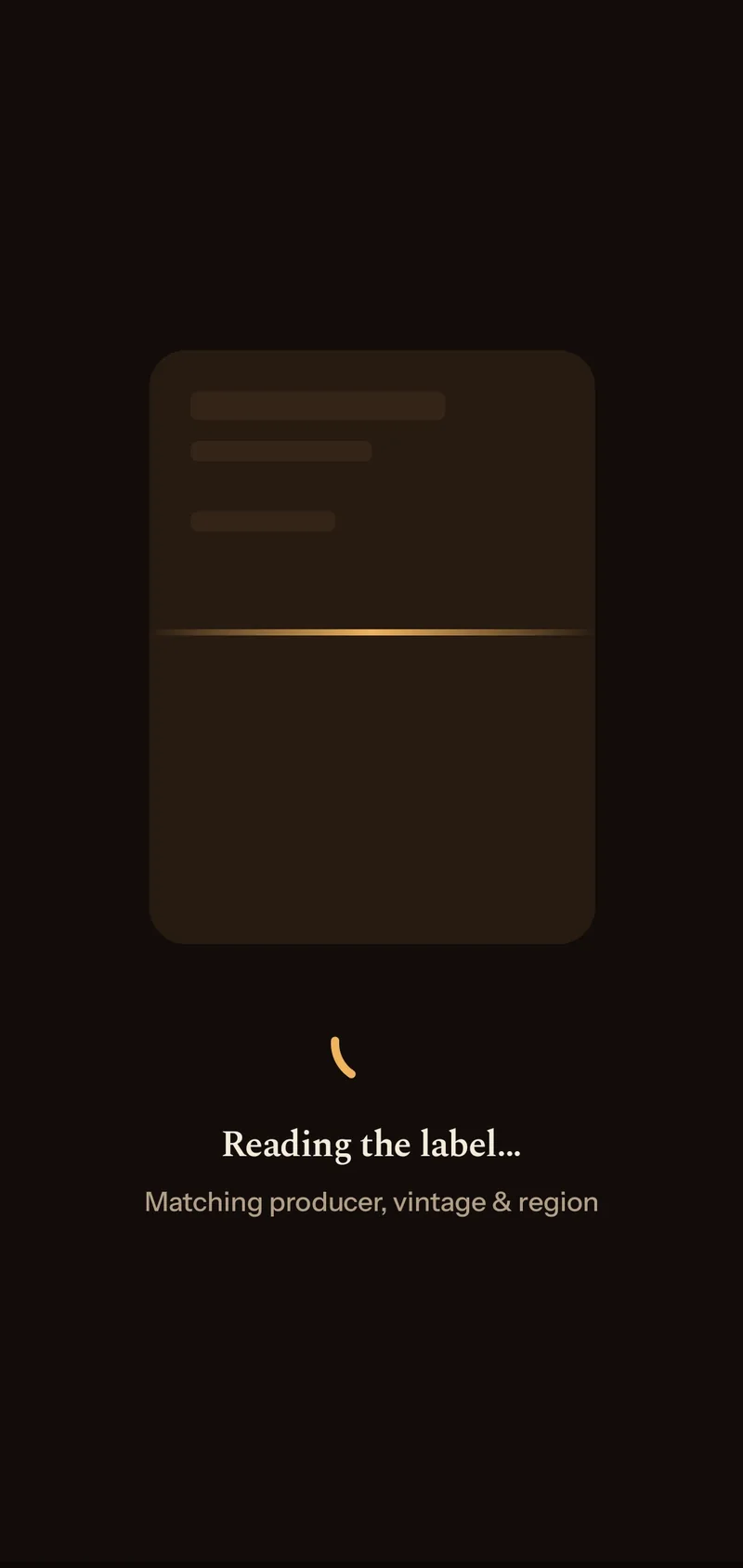
The photo goes to Google's Gemini, which comes back with producer, name, vintage, region, style, ABV and bottle size, plus the grape blend when a wine label prints it. I don't take the vintage on faith. Text recognition runs on the phone at the same time, free and offline, looking for a four-digit year on the label.
It ignores anything that follows "est.", "established", "since", "founded" or "anno", because those are the distillery's founding date. It also skips any digits sitting inside a longer run, which is usually a lot code.
Then the two answers get compared, and there are four ways that goes.
| What the phone read off the label | What gets saved |
|---|---|
| The same year Gemini gave | That year, no flag |
| Years, but not that one | Gemini's year, flagged as low confidence |
| Nothing at all | Gemini's year, flagged as low confidence |
| Neither found a year | Left empty, which is normal for spirits |
If neither one can find a year, the app leaves the field blank and says so.
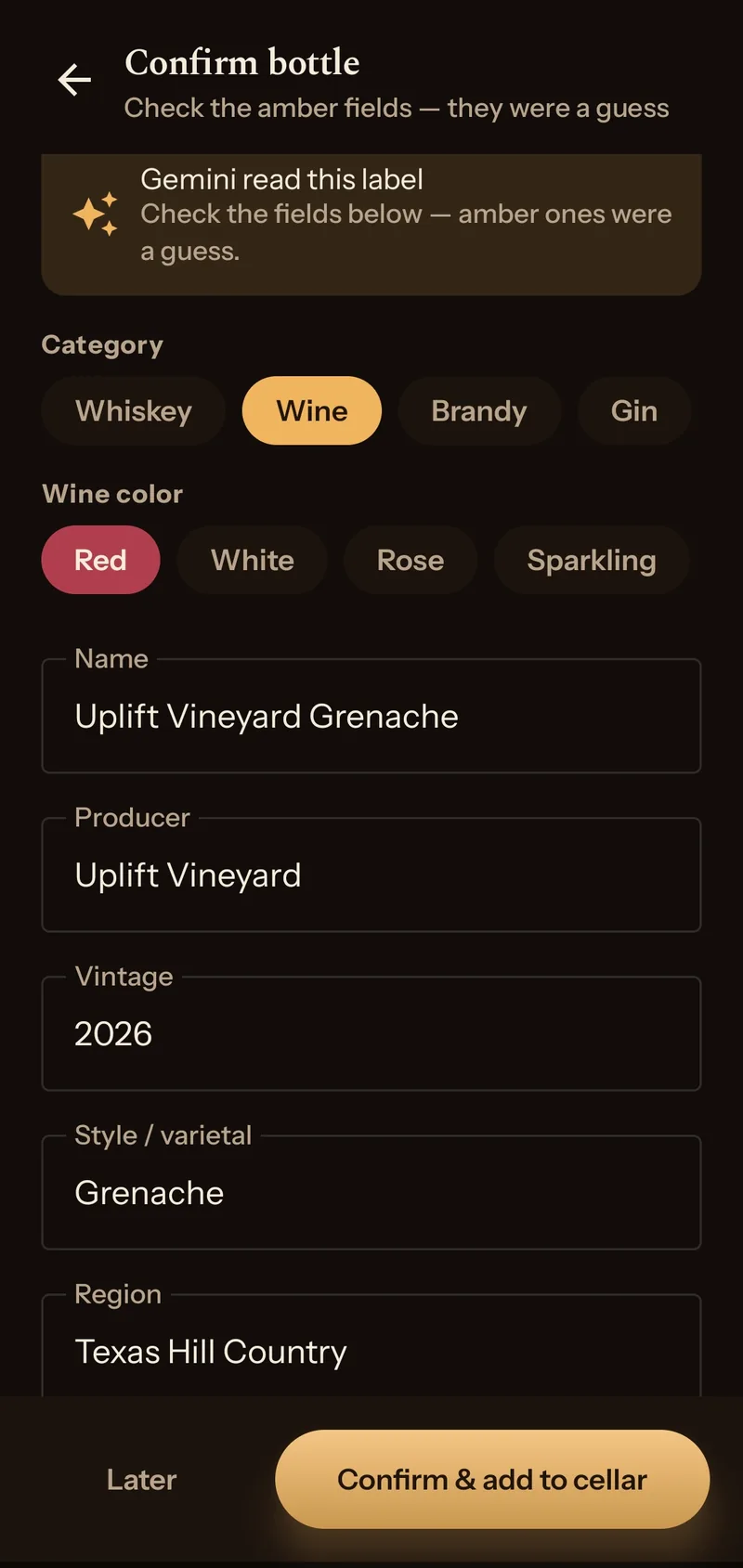
The same label text is checked for the bottle size. If the phone can't find the size Gemini gave, the field comes up amber on the confirm screen. If Gemini gave no size and the label shows exactly one, that one goes in, also amber.
There is no barcode scanning either, and the year is why. The standards let a producer use one code across every vintage of a wine, and the year is not in the consumer barcode at all, so scanning a 2015 Châteauneuf would give you the producer and nothing else. Reading the label is the only way to get a year off a bottle.
Confirming it
Everything Gemini returned lands on a confirm screen and all of it is editable. Anything it was unsure about comes up on an amber field. If it recognises the bottle as one you've owned before it says so, showing you what you rated it and when you finished it, and asks whether to add to that record or keep them separate. A different vintage on either side stops it matching at all, so a 2015 and a 2019 of the same wine never collapse into one row.
Re-checking a window
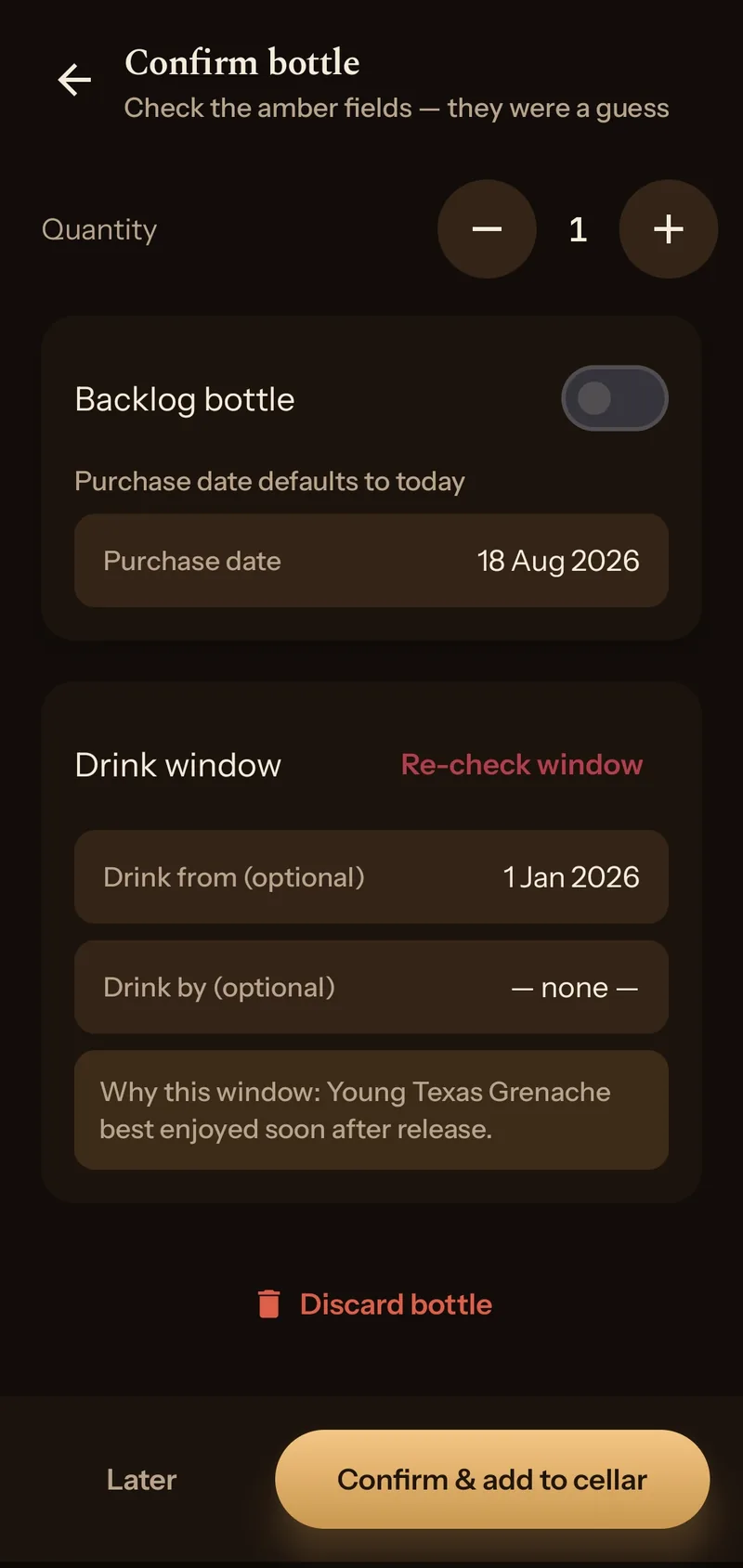
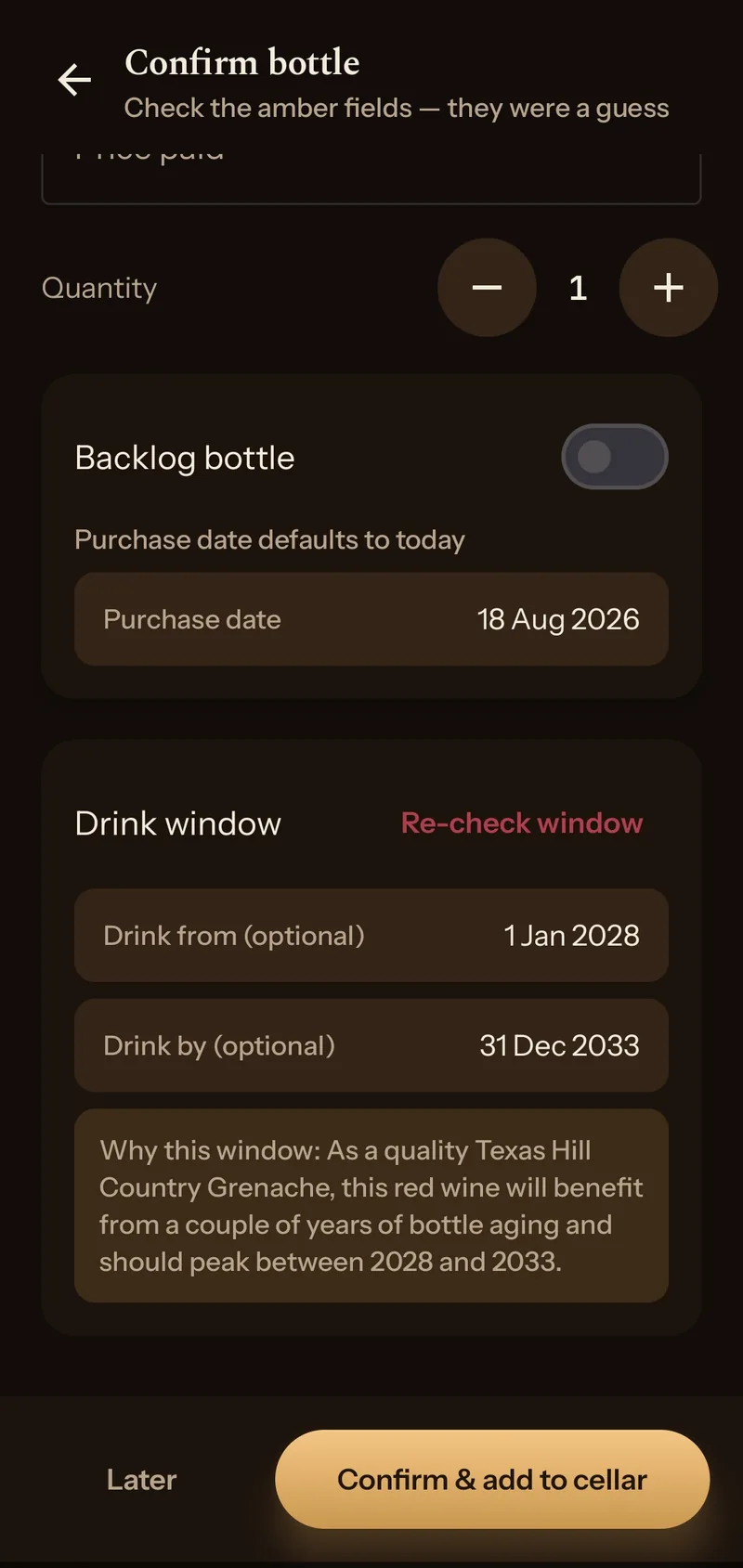
The drink dates on the confirm screen are a first pass. Re-check window runs it again and writes a fresh drink-from and drink-by, with a line underneath saying why it landed there.
Below is the same bottle, seven seconds apart.