Your collection
The shelf
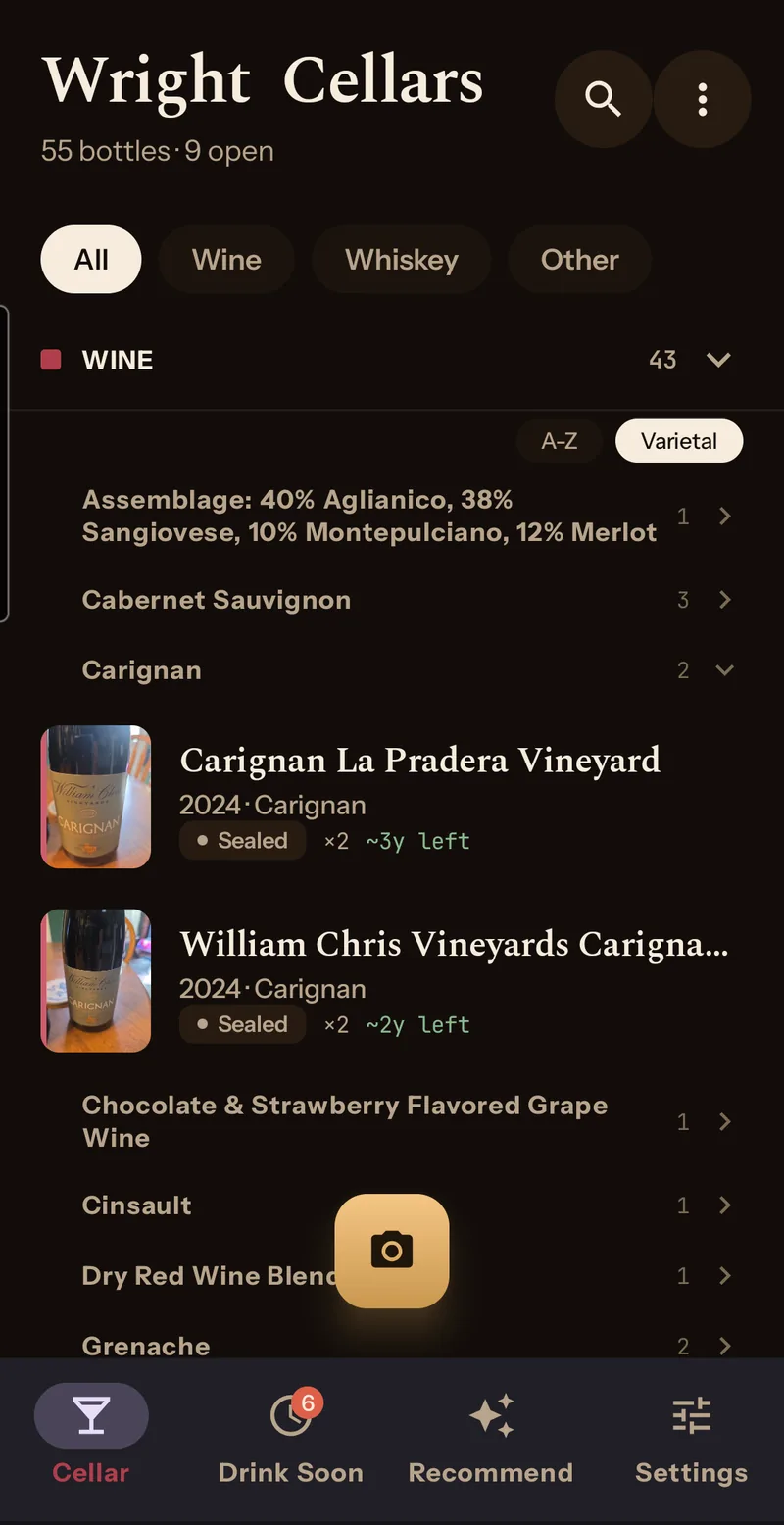
Eleven categories, each with its own fixed colour, and nothing for you to tag. Whiskey, wine and other spirits sit in three groups you can drag into whatever order suits you, or switch off entirely. Hide a group and it disappears from search too.
Once a section passes five bottles it starts grouping, either alphabetically or by type, which sorts wine by varietal and whiskey into bourbon, rye, Tennessee, Scotch, Irish, Japanese and Canadian. Search covers name, producer, style, region and partial vintages, so typing 201 finds everything from that decade.
Drink Soon
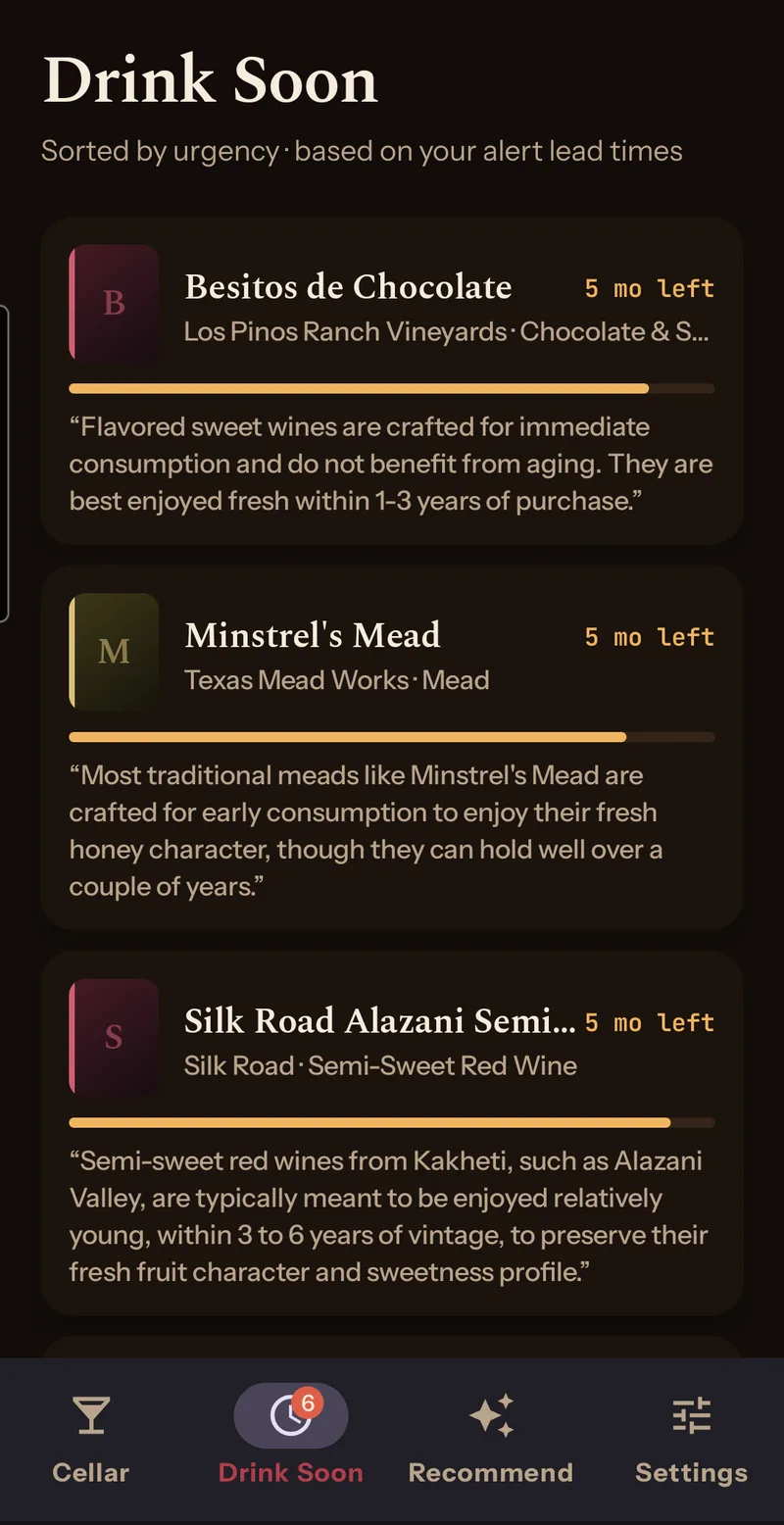
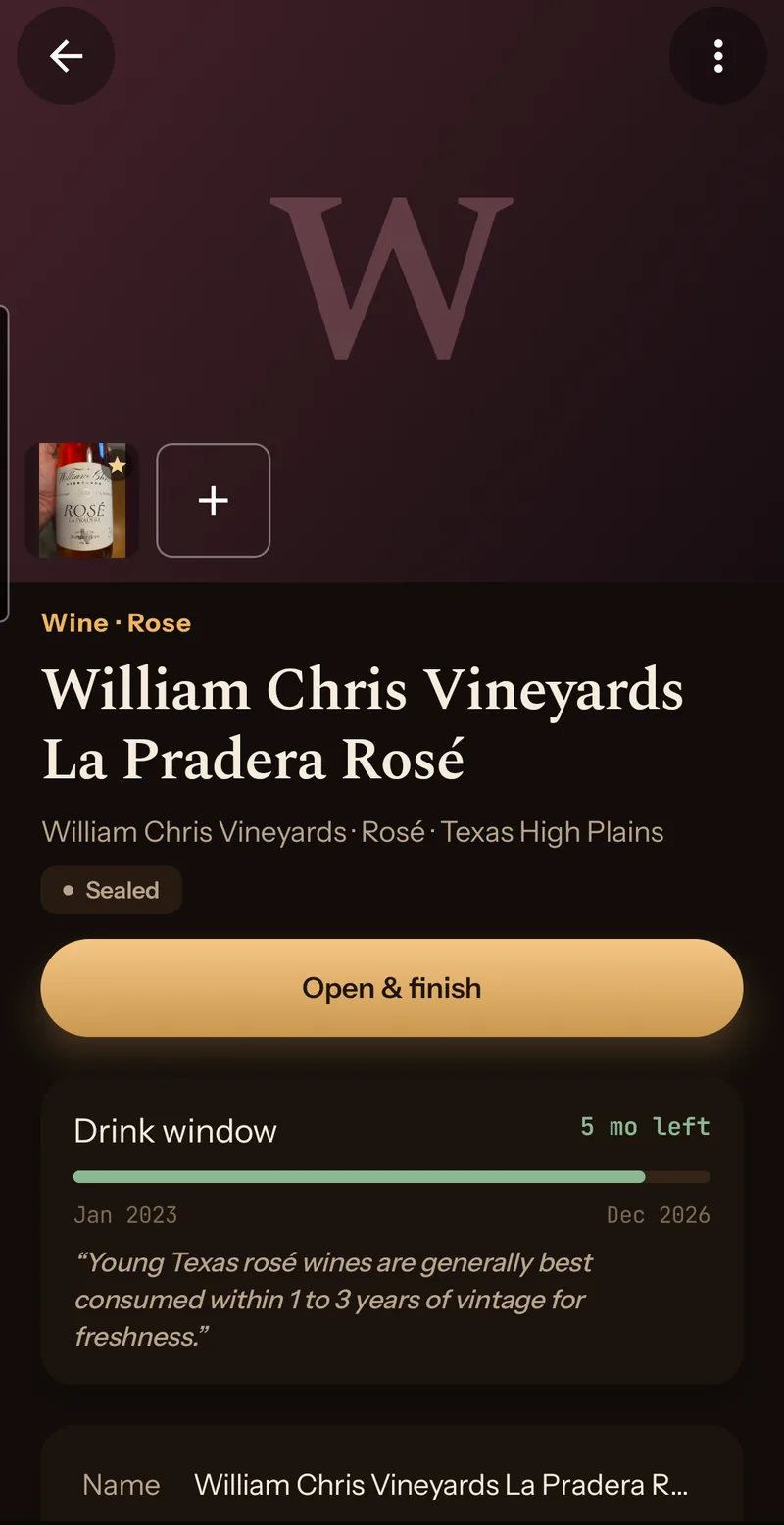
One list, sorted by how long you have left, with anything already past its window in red at the top. Wines on a drink-by date and open spirits on an oxidation clock are mixed together in the same order, because both go through the same piece of code to work out which date counts.
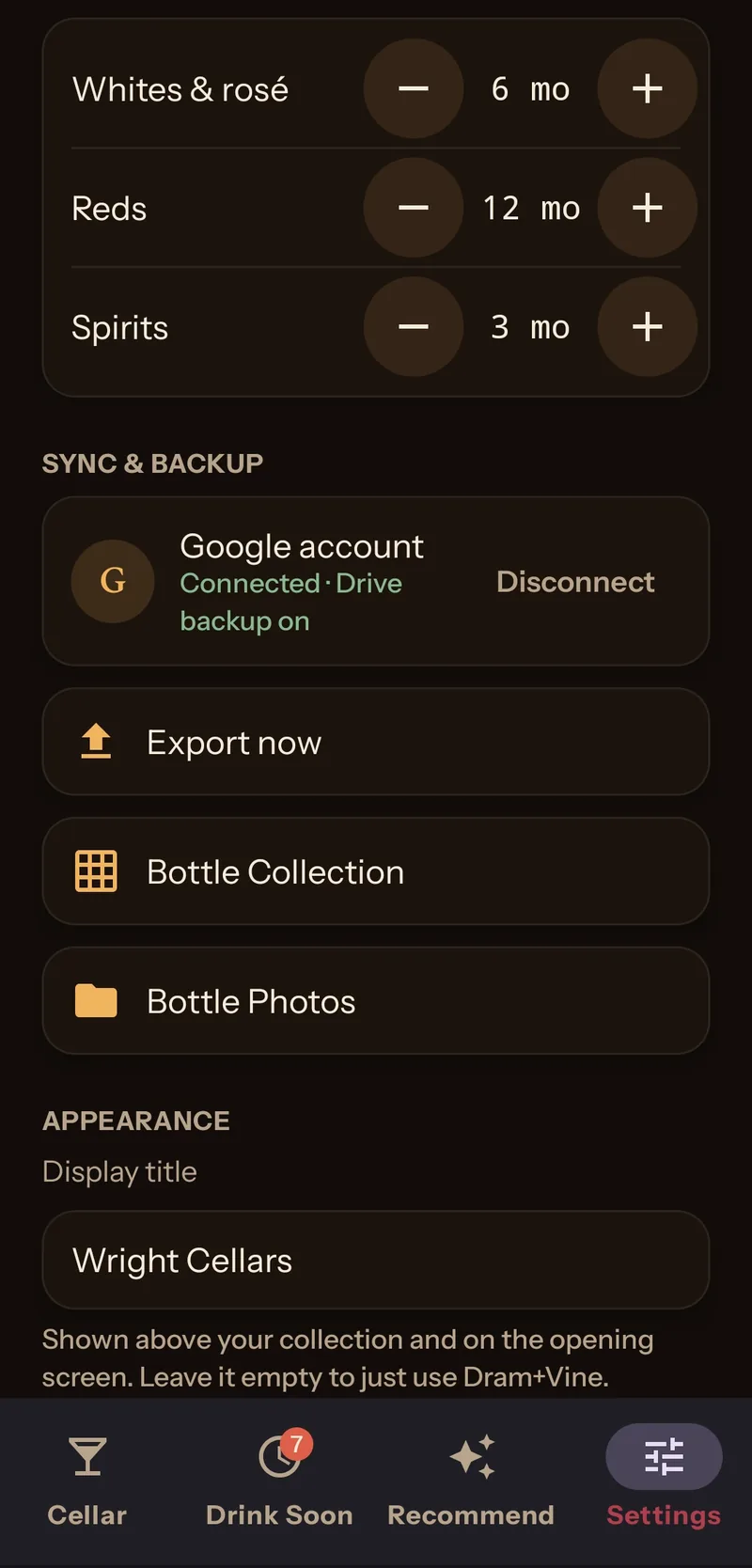
You set the warning times yourself, one month to thirty-six. Reds default to a year, whites and rosé to six months, spirits to three. A daily job at ten in the morning checks whether anything needs saying. Drink Soon itself makes no network calls at all.
Recommend
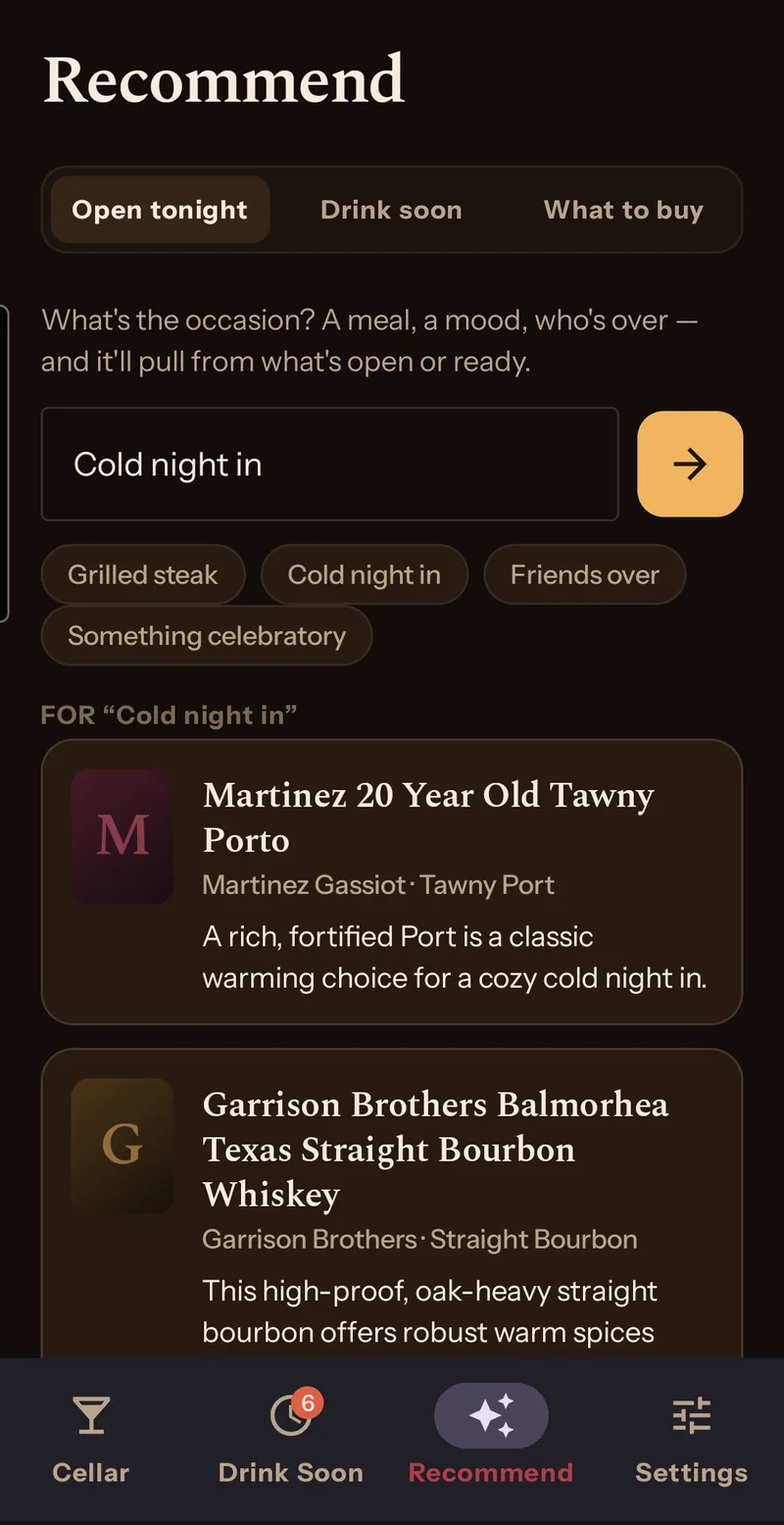
Four tabs. Open tonight takes an occasion, either typed or from four buttons, and comes back with two or three bottles off your own shelf and a line on each about why. Drink soon is the same list as the tab of that name and costs nothing. What to buy looks at the gaps in your collection, weighted toward what you've rated highly.
That one caches against a fingerprint of your collection, so if nothing has changed since you last looked, the same answer comes back for free.
Cocktail takes one to three of your spirits, picked from dropdowns, a direction or two, or a drink by name, and comes back with two or three recipes built around your own bottles. It assumes the usual bitters, vermouth, citrus and syrup, and names anything else you'd need to buy. The user guide walks through it.
The bottle itself
Spirits stay open, and you log each pour at light, normal or heavy while the fill moves down. Undo is there if you tapped twice. Wine gets a single action, Mark finished. Tasting notes build up while a spirit is open, or land at the finish for a wine, and each one carries a rating of one to five stars, from Poor to Exceptional.
Backup and restore
Connect a Google account and your collection writes out to a spreadsheet in your own Drive, with the label photos in a folder beside it. It's off until you turn it on, and the app asks for the narrowest permission Google offers, which limits it to files it created itself.
That spreadsheet is also the way back. Point a new phone at it and the collection is rebuilt from the sheet. Each export overwrites the whole thing, so anything you type into it yourself goes on the next run.